Okay. So. I did a thing to my laptop, and I need to tell you about it, because if I don’t write it down I’ll do the exact same dance of mistakes again in three months and be furious at past me.
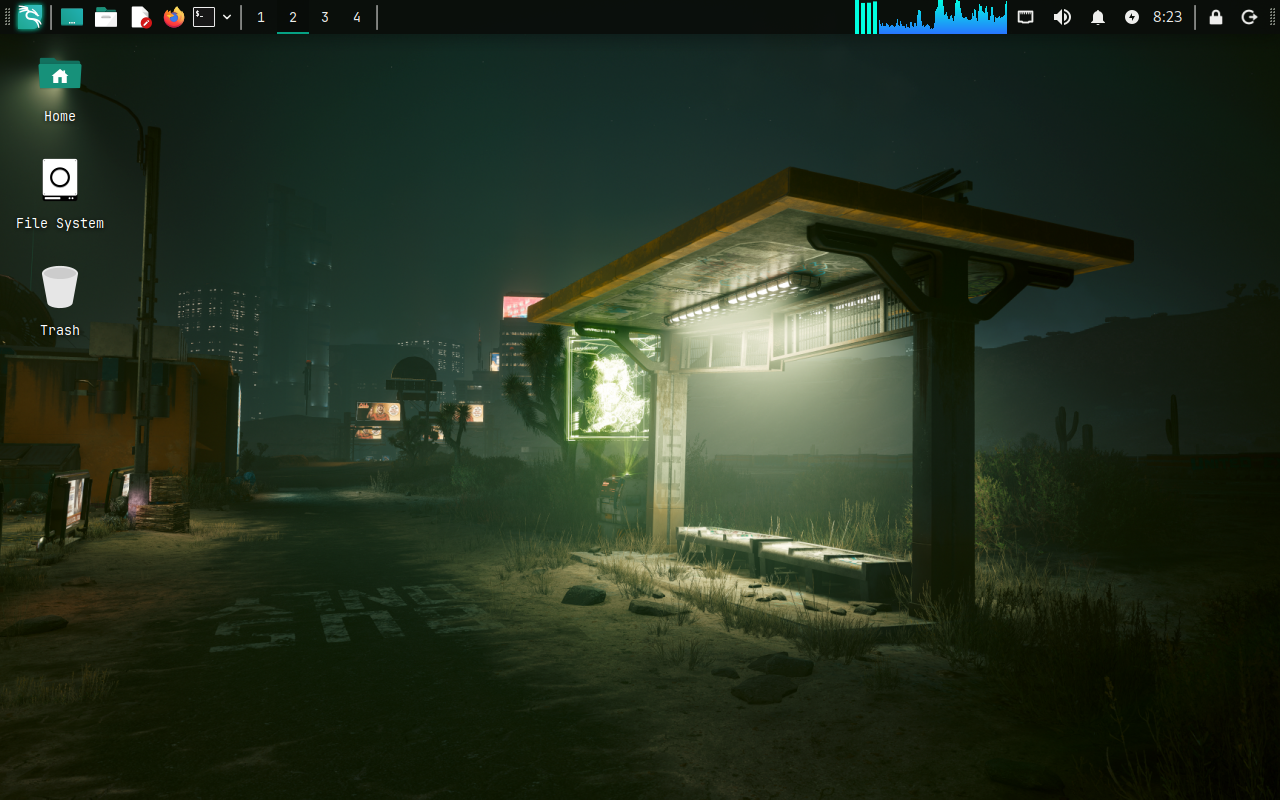
The thing is an HP Elite x360 1040 G9, stock, boring, corporate-blue out of the box, that I’ve reshaped into a machine I can actually do things on: build, break, study, and survive a train ride with the wifi off. Ubuntu underneath, Hyprland on top, and a cyberpunk bus-stop glowing quietly green on the desktop because apparently that’s who I am now.
This is not a “10 Tools Every Hacker Needs 🔥” listicle. Those teach you nothing and we both know it. This is what I set up, what the numbers actually were when I measured them instead of vibing them, and, my genuine favourite genre, the one I’d subscribe to, the parts that didn’t work. Because “here’s my flawless setup” is a magic trick, and “here’s the thing that ate an hour of my life” is a gift. I’m giving you the gift. You’re welcome. Let’s go.
An OSCP lab that physically cannot phone home
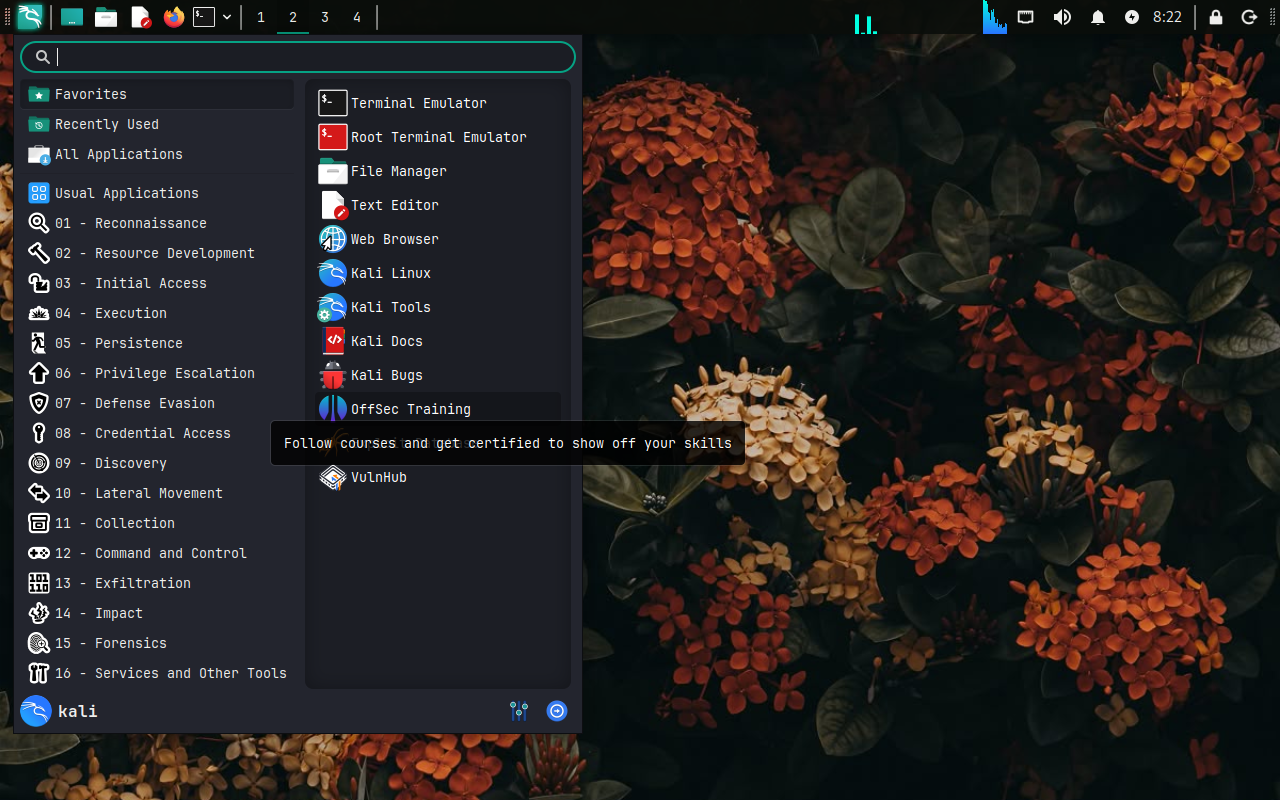
The heart of all this is a local attack lab: Kali in QEMU/libvirt, plus a deliberately-vulnerable VulnHub box, Kioptrix Level 1, to practise against. And the interesting decision here is not which box, which is the part everyone agonises over. It’s the networking. Because a vulnerable machine with internet access isn’t a lab, it’s a liability wearing a little lab coat, and I was not about to hand a 2009-era punching bag a route to the open internet.
So, rule one, the one I’d tattoo on something if I were braver: a box designed to be broken should never touch your real network or the internet. Not “probably won’t.” Can’t. So instead of bridging everything and crossing my fingers, fingers are not a security control, I built an isolated libvirt network. And here’s the whole trick, the entire magic word, and it is an absence: there is no <forward> element. No forward, no route out. It’s security by omission, which is my favourite kind because omission never has a typo.
<network>
  <name>pentest-lab</name>
  <bridge name='virbr-lab' stp='on' delay='0'/>
  <ip address='10.10.10.1' netmask='255.255.255.0'>
    <dhcp><range start='10.10.10.100' end='10.10.10.200'/></dhcp>
  </ip>
</network>
Kali gets a second NIC on this little island (it keeps its NAT NIC too, because Kali still needs to pop out and grocery-shop for tool updates), and the target lives only on the isolated side. So Kali can reach in and attack it; the target can’t be hit from outside or call home to anybody. Air-gapped-ish, by construction, not by hope.
And now the part that cost me an hour, as promised, because I keep my promises and my grudges. Kioptrix booted perfectly and then flatly refused to pull a DHCP lease. Not an error. Not a warning. Just… nothing, the networking equivalent of being left on read. It’s a 2009 box on a 2.4 kernel, and buried in its /etc/modules.conf is the line alias eth0 pcnet32, which means that no matter how shiny a virtual NIC I hand it, the kernel will only bring up eth0 if it’s talking to an AMD PCnet card. And I, being a person of the future, was confidently giving it e1000. Switched the libvirt NIC model to pcnet and it leased an IP instantly, almost smugly, like it had been waiting for me to stop showing off. Lesson, filed permanently: when an ancient box won’t network, suspect the NIC model before you suspect yourself.
Offline AI, kept offline on purpose
I set up Ollama running qwen2.5-coder:7b, which gives me a coding assistant that lives entirely on the laptop. No wifi. No account. No “your conversation may be used to…” nothing. Genuinely wonderful for C coursework: I threw it the classic textbook dangling-pointer trap, the one where you return a pointer to a stack-local buffer and the stack cheerfully reuses it the second you look away, and it correctly fingered the undefined behaviour and rewrote it to malloc on the heap, null-check included, like a slightly smug TA. On a train. Wifi off. I may have grinned at my own screen like a person you’d move seats away from.
But the reason it’s local isn’t only that I’m a gremlin who hoards offline things (I am, separately). It’s the discipline. For DFIR work you never paste case data, memory samples, or client artifacts into a cloud model, chain of custody and privacy do not take meetings, do not negotiate, do not make exceptions because the UI was convenient. A local model means nothing leaves the box, which is the posture the work already demands. The convenience is a nice bonus. The privacy is the entire point.
Honest caveat, because I respect you too much to oversell: a 7B model on CPU generates at maybe 5–10 tokens a second. Perfect for “explain this error to me like I’m tired.” Less fun for “write me 300 lines while I watch.” And it will confidently hallucinate specifics, so for anything precise and forensic (NTFS timestamp rules, registry artifact paths), treat it as a bright tutor you fact-check, not an oracle you obey. It’s a study accelerant. It is not a wizard. I know it looks like a wizard. It isn’t.
A one-key “max battery” mode (and the honest watt count)
I wired a power-mode switcher into my bar that cycles balanced → saver → superbattery → performance. Super Battery is the dramatic one, the break-glass setting, and it clamps everything that genuinely moves the needle instead of the things that just feel productive to toggle:
- CPU turbo off, max performance capped to 30%
- Refresh rate dropped to 40 Hz (via
wlr-randr, carefully preserving fractional scaling, because I am frugal, not a monster) - Screen dimmed, Bluetooth off
Underneath all that, TLP replaced power-profiles-daemon with a properly aggressive profile, PCIe ASPM powersupersave, runtime PM on, EPP set to power. The works. The whole spa treatment.
Now. The honest part. Battery claims are the exact spot where otherwise-rigorous engineers suddenly become novelists, so here are the real numbers. My measured idle draw on battery was ~5.5 W, and that was with a background process still quietly chewing CPU and the screen already at 10%. True idle sits around 4–5 W, which is, I’ll say it, genuinely excellent; a typical laptop idles at 8–15 W.
But, and I need this one to actually land, so I’m going to be annoying about it, that is the floor, not the average. The screen and the CPU are the two biggest draws by a mile, and no quantity of clever sysctl poetry repeals physics. Brighten the display, open a browser, compile literally anything, and you are back at 8–20 W faster than you can say “but the blog said five watts.” Super Battery exists to hold you near the floor when you need the endurance. It is not an incantation that grants ten hours of battery while you compile Rust. I wish. We all wish.
And then the machine handed me a reality check I did not order: my battery reports 72% health at only 134 cycles, real capacity 37 Wh against a 51 Wh design. That is noticeably more wear than a battery that young has any business showing, and it’s got the unmistakable fingerprints of heat and a life spent pinned at 100% charge. So my real idle runtime is ~7 hours, not the ~10 the sticker would love me to repeat. Moral, underline it: know your actual energy_full, not the optimistic integer printed on the box. Your battery has been quietly lying to you about how young it is. They all do it.
Hardening, but like a person who still has to use the machine
I ran Lynis and worked the findings into a hardening pass that was deliberately, unapologetically dev-aware, because the single most secure laptop in the world is the one you hurled out a window in frustration, and that one protects no data. So I skipped the measures that quietly break a working machine (repartitioning /home with nodev, the aggressive ptrace lockdown that walks up and murders gdb in front of you). What I kept were the ones with real blast radius and no daily cost: sudoers.d permissions, stronger password hashing, UMASK 027, kernel sysctl hardening (kptr_restrict, dmesg_restrict, the network anti-spoofing set), and SSH hardening that pointedly keeps TCP forwarding alive so my tunnelling still works.
Hardening index went 71 → 78. Everything backed up first, obviously, because a hardening script you can’t reverse isn’t security, it’s just a disaster with better branding.
The stuff that didn’t work (i.e. the useful part)
- Fan curves are impossible on this HP. The
hpdriver dangles apwm1_enablenode in front of you like a carnival prize, and then every single write to it returnsInvalid argument, and forcing “max fan” does precisely nothing to the temperature. The embedded controller owns that fan with both hands and will not be sharing today. There’s no NBFC profile for the 1040 G9 either, and rolling a bad one can corrupt your BIOS, so that particular door stays firmly shut and I’ve made my peace with it. The fan stays with the EC plusthermald; the CPU cap in Super Battery is the only honest “please be quiet” lever I actually have. hyprctl keywordat runtime is blocked by Hyprland’s newer config parser, so I couldn’t toggle blur and animations from a script and had to quietly drop that flourish. Minor! But it’s the reason the power-mode switcher doesn’t fiddle with the eye-candy, not restraint, just defeat.- s2idle vs. deep sleep. The laptop defaults to s2idle, “modern standby,” a phrase I’d like read aloud in the most sarcastic voice you own, given how merrily it drains the battery while the lid is shut.
deep(S3) exists and I switched to it, but fair warning: it wants per-machine testing, because some HP units resume from S3 with roughly the grace of a dropped call.
Takeaways
- Isolation first. A lab you can’t accidentally expose beats a lab with twice the tools and a bridge to the open internet. Every time.
- Keep the sensitive work local. Local LLMs aren’t a novelty for us, for a lot of DFIR work they’re the only correct option, full stop.
- Measure, don’t trust the sticker. Real
energy_full, real idle watts, real hardening index. The truth is always less magical than the marketing and so much more useful than the vibes. - Write down what failed. The
pcnetNIC and the EC-locked fan will save some future person an entire evening, and with any luck that person is me, six months from now, right before I make the same mistake again.
None of this is finished, it’s a machine I keep reshaping, which is kind of the whole appeal. But it boots into a lab it can’t leak out of, a slightly obnoxiously-green desktop, and about five watts of idle, and honestly? That is an excellent place to work from. Now if you’ll excuse me, I’m going to go stare at the battery stats some more. For science. Mostly for science.